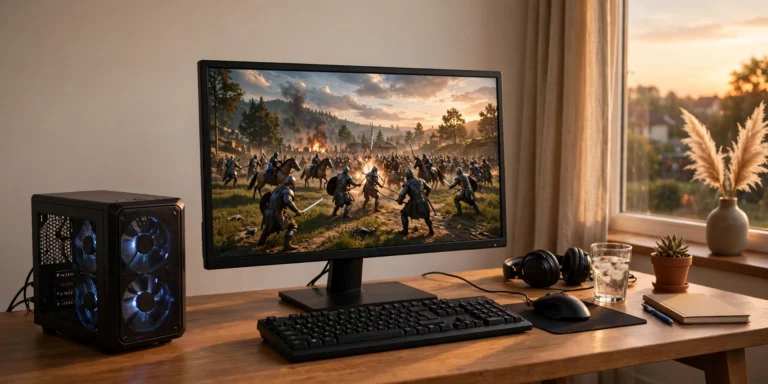
How to Build a Budget Gaming Setup Under $500 in the USA in 2026
You can build a budget gaming setup under $500 in the USA in 2026 by spending about $350 to $400 on a capable entry-level PC, $80 to $100 on a 1080p monitor, and the rest on a keyboard, mouse, and headset. Prioritize the graphics card and processor, and buy a solid power supply.
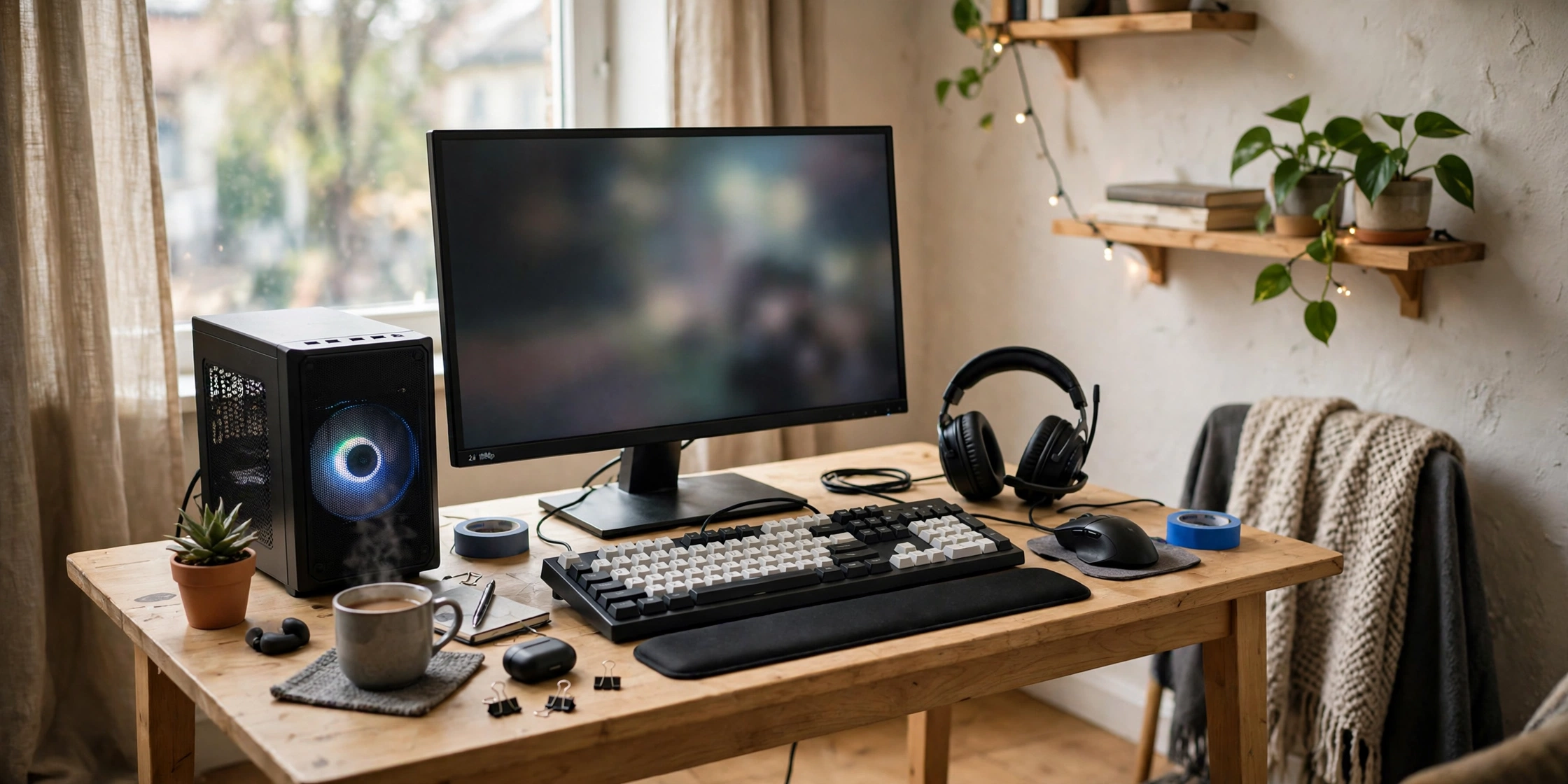
A great gaming setup does not have to cost a fortune. In 2026, entry-level parts are faster than ever, used graphics cards are widely available in the USA, and a 1080p monitor costs less than a night out. For $500, you can build a setup that plays Fortnite, Valorant, Apex Legends, Minecraft, Rocket League, and many popular games at smooth frame rates, and handles schoolwork, streaming, and everyday computing too.
The trick is knowing where to spend and where to save. Many first-time builders waste money on a fancy case or RGB fans while buying a weak graphics card, and then wonder why games run poorly. This guide flips that around: performance first, looks later. You will get a complete parts list, a realistic budget breakdown, step-by-step building advice, and the mistakes to avoid, so you can order with confidence and build without stress. For more gaming setup guides, budget PC builds, and performance tips, visit the PlayBattleSquare homepage and explore the latest articles for players on any budget.
What Can a $500 Gaming Setup Actually Play in 2026?
A $500 setup in 2026 is a 1080p gaming machine, not a 4K powerhouse, and that is a good place to be. Most popular competitive games are designed to run well on modest hardware, because their developers want millions of players, not just owners of expensive PCs. With the parts in this guide, you can expect 60 FPS or more at medium settings in Fortnite, Valorant, Apex Legends, Rocket League, and Counter-Strike 2, and playable frame rates at low-to-medium settings in heavier games like Call of Duty and Elden Ring.
A gaming computer is a personal computer built for playing games at high standards, usually with a stronger graphics card, a faster processor, and more memory than a regular office PC. At the $500 level, you are building the entry point to that idea: a machine that is clearly better for gaming than a basic laptop, even if it cannot max out every setting. That is a fair trade, and for most beginners it is the right one.
How Should I Split a $500 Budget Across Parts?
Spend $350 to $400 on the PC itself: processor, graphics card, motherboard, RAM, storage, case, and power supply. Spend $80 to $100 on a 1080p monitor, ideally 75Hz or higher, bought new on sale or refurbished from a trusted seller. Spend $20 to $30 on a keyboard and mouse combo or a basic mechanical keyboard and a reliable wired mouse. Spend $15 to $25 on a headset or use earbuds you already own. Keep $10 to $20 spare for tax, shipping, or a small extra like a DisplayPort cable.
What Are the Best Budget PC Parts Under $500 in 2026?
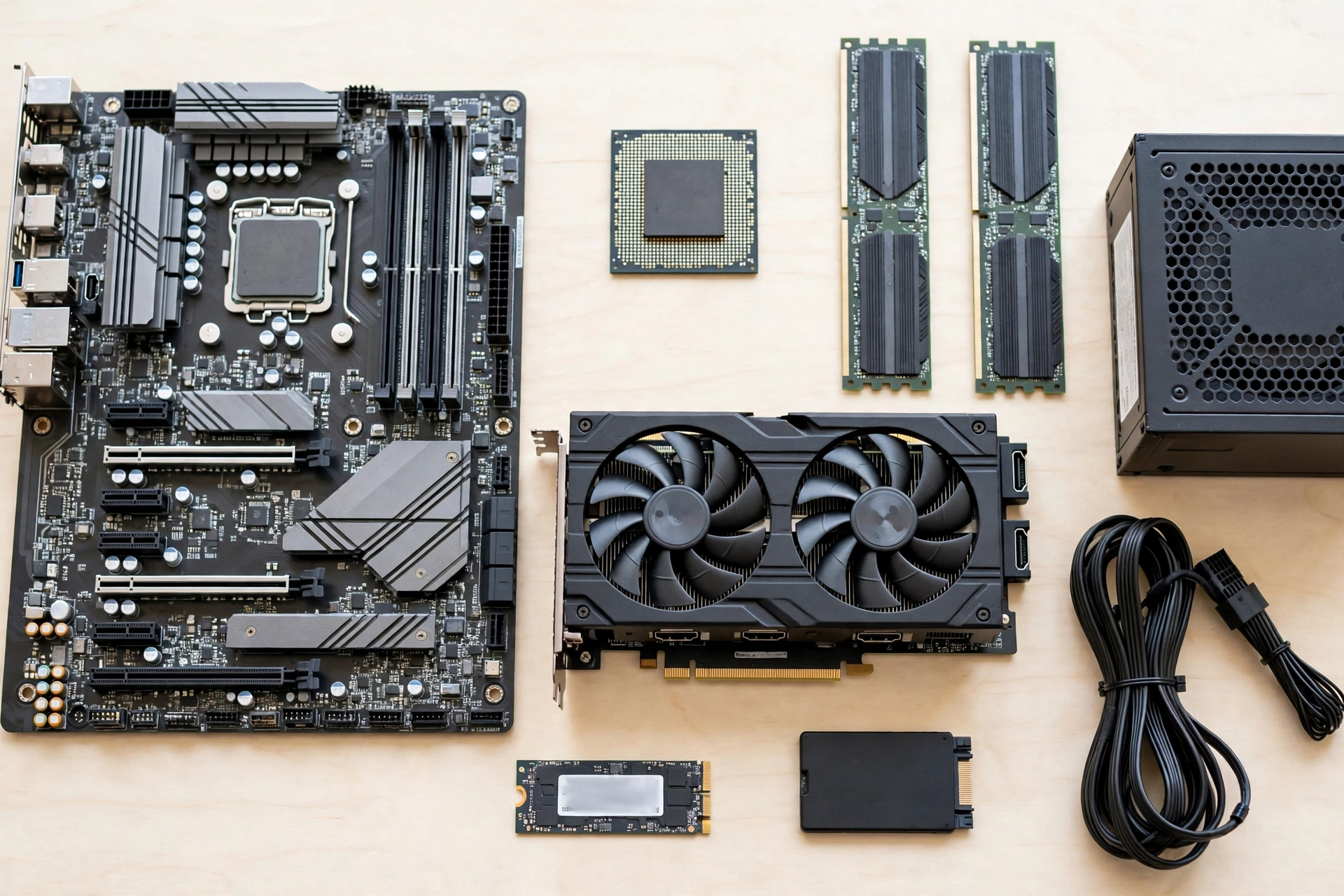
Start with the processor. In 2026, a budget six-core processor from AMD or Intel, such as a Ryzen 5 5500 or a Core i3-12100F, gives you strong gaming performance for around $70 to $90 in the USA. Either one handles modern games well and leaves room for a graphics card upgrade later. Avoid older dual-core processors, even if they are cheap, because they will bottleneck your graphics card and cause stutter.
The graphics card is the most important part, so spend the most here: $130 to $180. Good budget choices in 2026 include an AMD RX 6600 or an NVIDIA GTX 1660 Super, bought new on sale or used from a trusted seller with a return policy. A used RX 6600 often delivers the best value, playing most games at 1080p medium-to-high settings. Check that the card was not used for mining around the clock if you buy used, and buy from a seller who accepts returns.
Should I Buy New, Used, or Refurbished Parts?
A mix is usually the smartest way to stay under $500. Buy the processor, RAM, SSD, motherboard, case, and power supply new, because these parts are cheap new, come with warranties, and are hard to judge when used. Consider buying the graphics card and the monitor used or refurbished, because those are where the biggest savings are, and a careful purchase can save $50 to $100.
When buying used in the USA, use trusted sources: manufacturer-refurbished stores, large retailers with open-box deals, or marketplaces with buyer protection and clear return policies. Ask the seller for photos of the card working, check that the fans spin freely, and test the card as soon as it arrives. Avoid deals that seem too good to be true, sellers who refuse returns, and graphics cards sold without any history.
What Monitor, Keyboard, and Mouse Should I Choose?
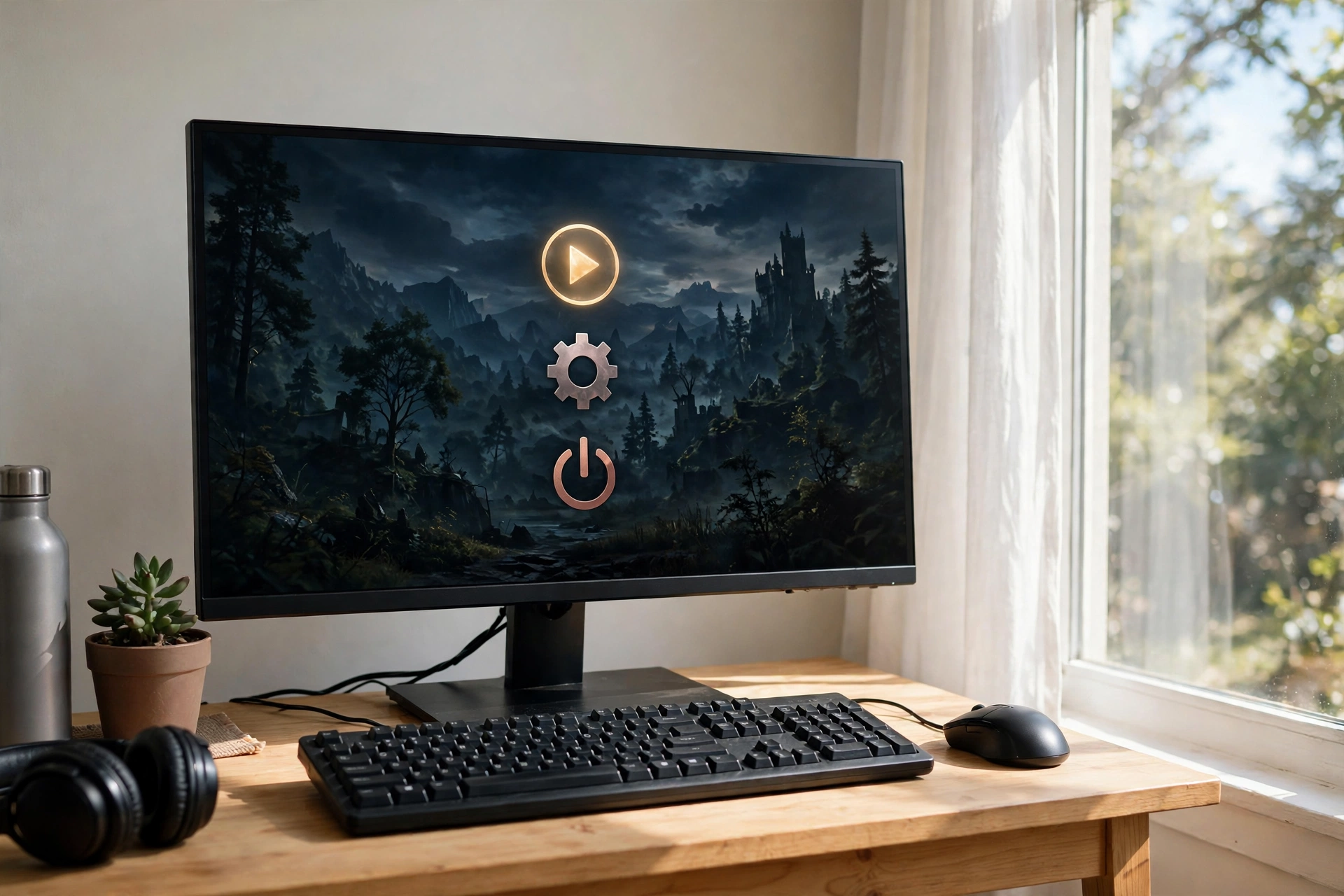
Your monitor shapes every hour you spend gaming, so choose it carefully. Look for a 24-inch 1080p IPS monitor with at least 75Hz refresh rate, which you can often find for $80 to $100 on sale in the USA. IPS panels have better colors and viewing angles than the cheapest TN panels, and 75Hz feels noticeably smoother than 60Hz. If you find a 100Hz or 144Hz monitor near your budget, take it, but do not sacrifice PC performance to pay for it.
For keyboard and mouse, a wired combo is the best value at this budget. A $25 to $30 membrane or basic mechanical keyboard and a reliable wired mouse with a good sensor will serve you well. Look for a mouse with at least 1000Hz polling rate and a comfortable shape for your hand size, not the one with the most buttons. Skip wireless peripherals at this budget, because cheap wireless gear often has lag and battery hassles that wired gear avoids.
How Do I Build the PC Step by Step?
Start by installing the processor, RAM, and SSD on the motherboard before you put it in the case. It is much easier to work with the board on the table. Next, mount the motherboard in the case, install the power supply, and connect the main power cables. Then install the graphics card, connect its power cable, and double-check that it clicks fully into its slot. Connect the front-panel cables for the power button and USB ports using your manual, plug in the monitor, keyboard, and mouse, and press the power button.
What Mistakes Should Beginners Avoid on a $500 Build?
The first mistake is buying a weak graphics card and a fancy case. Looks do not raise frame rates, and a $100 case on a $500 build is money taken from performance. Choose a simple case with good airflow and spend the savings on the graphics card or RAM.
The second mistake is buying a cheap power supply from an unknown brand. A bad power supply can fail and damage your processor, graphics card, and motherboard in one moment. Spend $45 to $55 on a known brand with a warranty, and check reviews before you buy. This is the one part where saving $20 can cost you $300.
The third mistake is forgetting the small costs: tax, shipping, a DisplayPort or HDMI cable, and a Windows license if you need one. Budget $20 to $30 for these extras, or use a free Windows install and activate later, so you are not surprised at checkout. The fourth mistake is buying parts that do not fit together: check that your processor matches your motherboard socket, your RAM matches the board, and your graphics card fits in your case. A quick compatibility check before ordering saves a frustrating return.
Frequently Asked Questions
Can I build a good gaming PC for under $500 in the USA in 2026?
Yes, you can build a good gaming PC for under $500 in the USA in 2026 by choosing a budget six-core processor, an entry-level graphics card like an RX 6600, 16GB of RAM, and a 500GB SSD. This setup plays popular games at 1080p and 60 FPS at medium settings, and you can upgrade the graphics card later.
What is the most important part in a budget gaming setup under $500?
The most important part in a budget gaming setup under $500 is the graphics card, because it has the biggest effect on frame rate and visual quality in games. Spend $130 to $180 on the best graphics card you can afford, then match it with a capable budget processor and 16GB of RAM for balanced performance.
Should I buy a used graphics card for a budget gaming PC?
You should consider a used graphics card for a budget gaming PC if you buy from a trusted seller with a return policy, because a used card can save $50 to $100 over a new one. Test it as soon as it arrives, check that the fans work, and avoid sellers who refuse returns or cannot show the card working.
Do I need a 144Hz monitor for a $500 gaming setup?
You do not need a 144Hz monitor for a $500 gaming setup, because a 75Hz or 100Hz 1080p monitor costs less and still feels smooth for most games. A 144Hz monitor is a great future upgrade once your PC can hold high frame rates, but at this budget the money is better spent on the graphics card first.
How long will a $500 gaming setup last before I need to upgrade?
A $500 gaming setup will usually last two to three years for popular competitive games at 1080p before you need a major upgrade, because those games are designed to run on modest hardware. Adding storage first, then upgrading the graphics card, can extend its life further without replacing the whole PC.